InConnect Student Platform
InConnect is an online portal used by students at a local design college, as was as lecturers. It provides a hub where they can access study material, keep track of their grades, submit briefs and have an overview of their course.
Project Overview
Date
2022
Location
South Africa
Services
Branding • UX Research • UX/UI Design
My Approach
The IT Department were in the process of wanting to revamp the InConnect Platform as well as the Inscape brand identity. This required conducting user research on the functionality of InConnect and come up with design proposals to improve both the UX and UI of the platform. Aligning UI updates with proposals for an updated brand.
Challenge
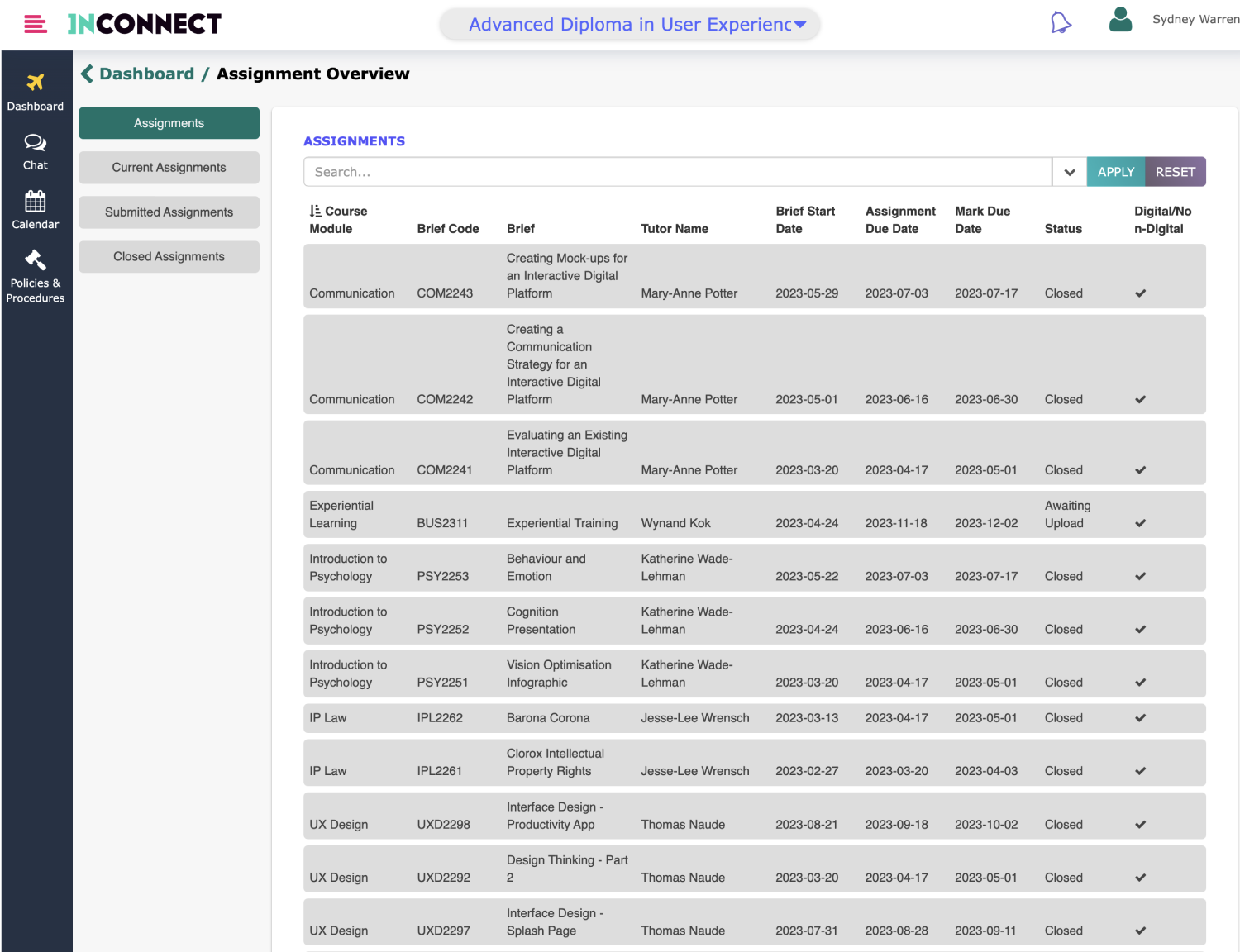
Students had concerns around the navigation and information architecture of the platform. Calendars and course outlines were provided as separate PDF documents, which made them hard to follow. Once a brief was uploaded for review and grading there was no proper system for receiving feedback. Navigation was limited and new students often found it difficult to know where to find a specific page or materials.
Solution
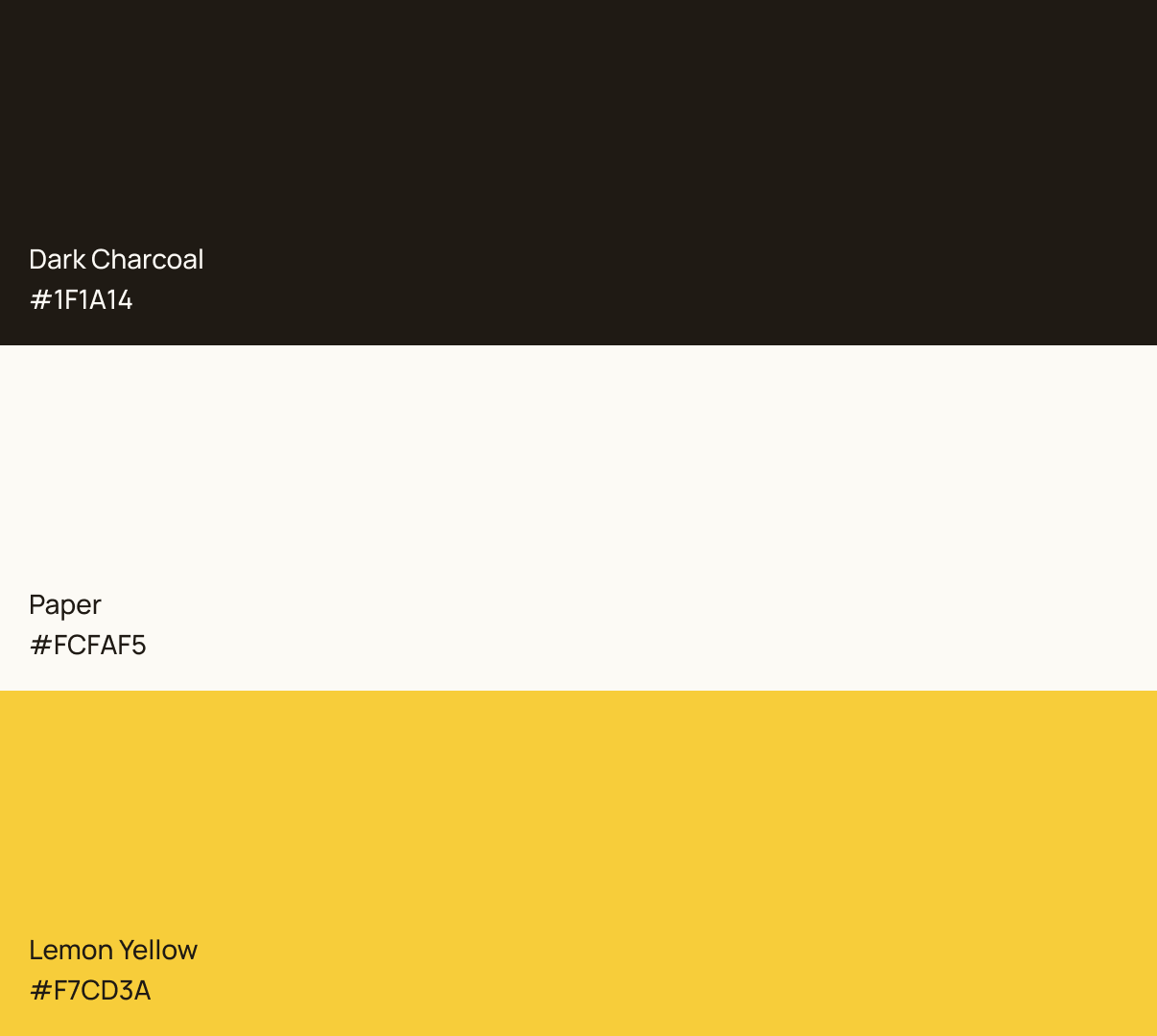
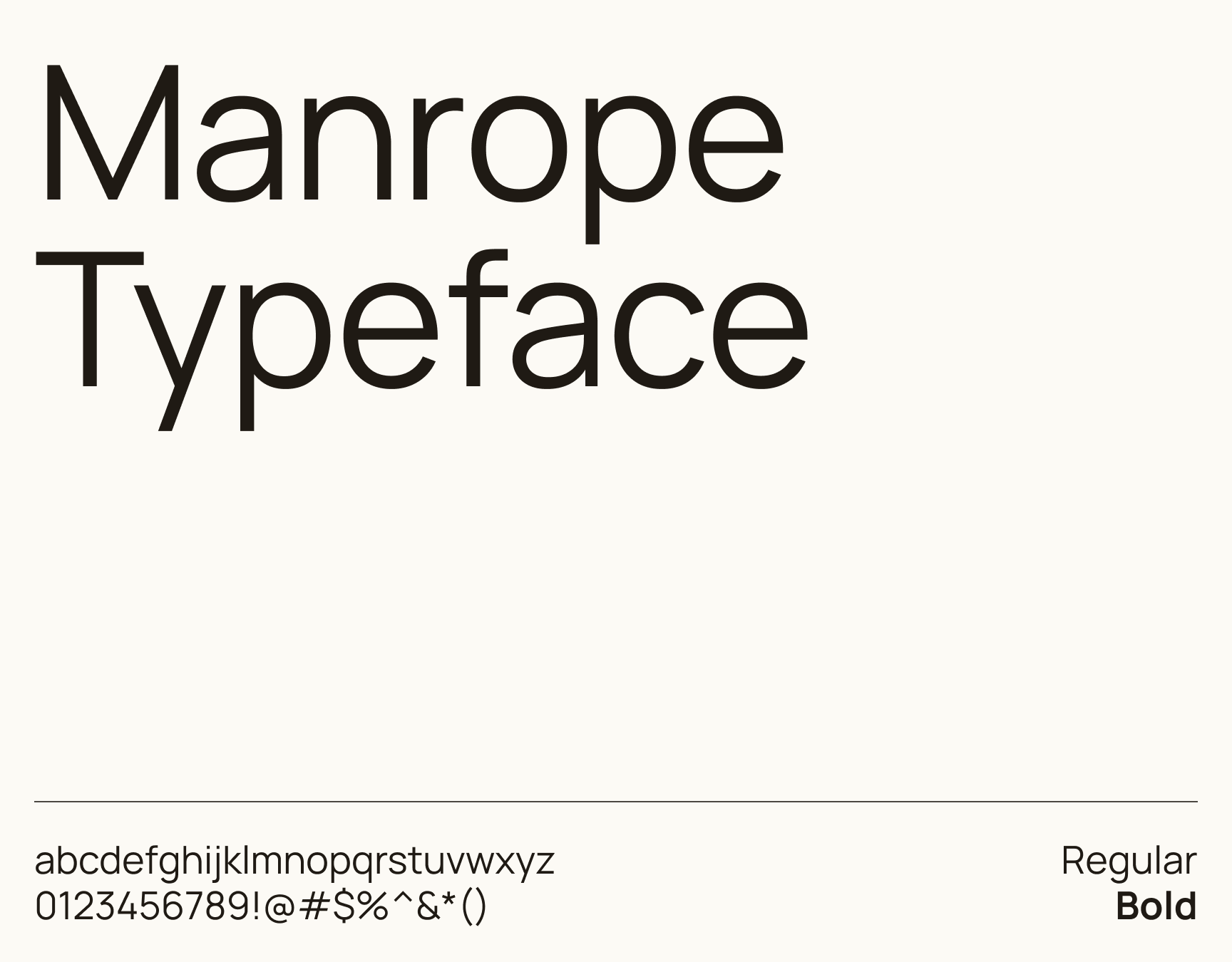
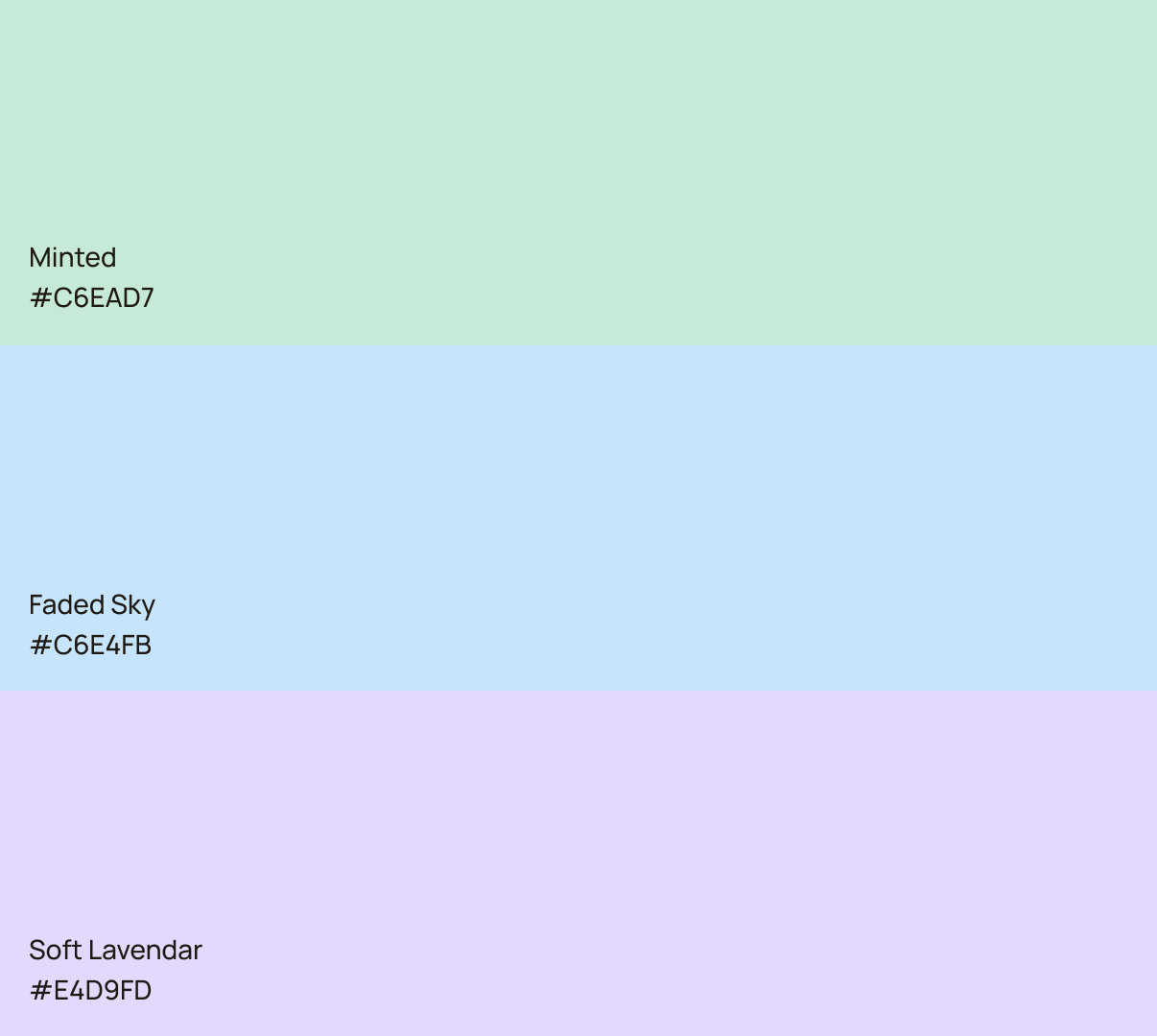
I reimagined the identity of the InConnect platform to visually impactful, appealing to a demographic of design students, while also informative and intuitive to use. Ensuring that students using the platform feel informed, and in control of important or necessary elements when it comes to their studies.
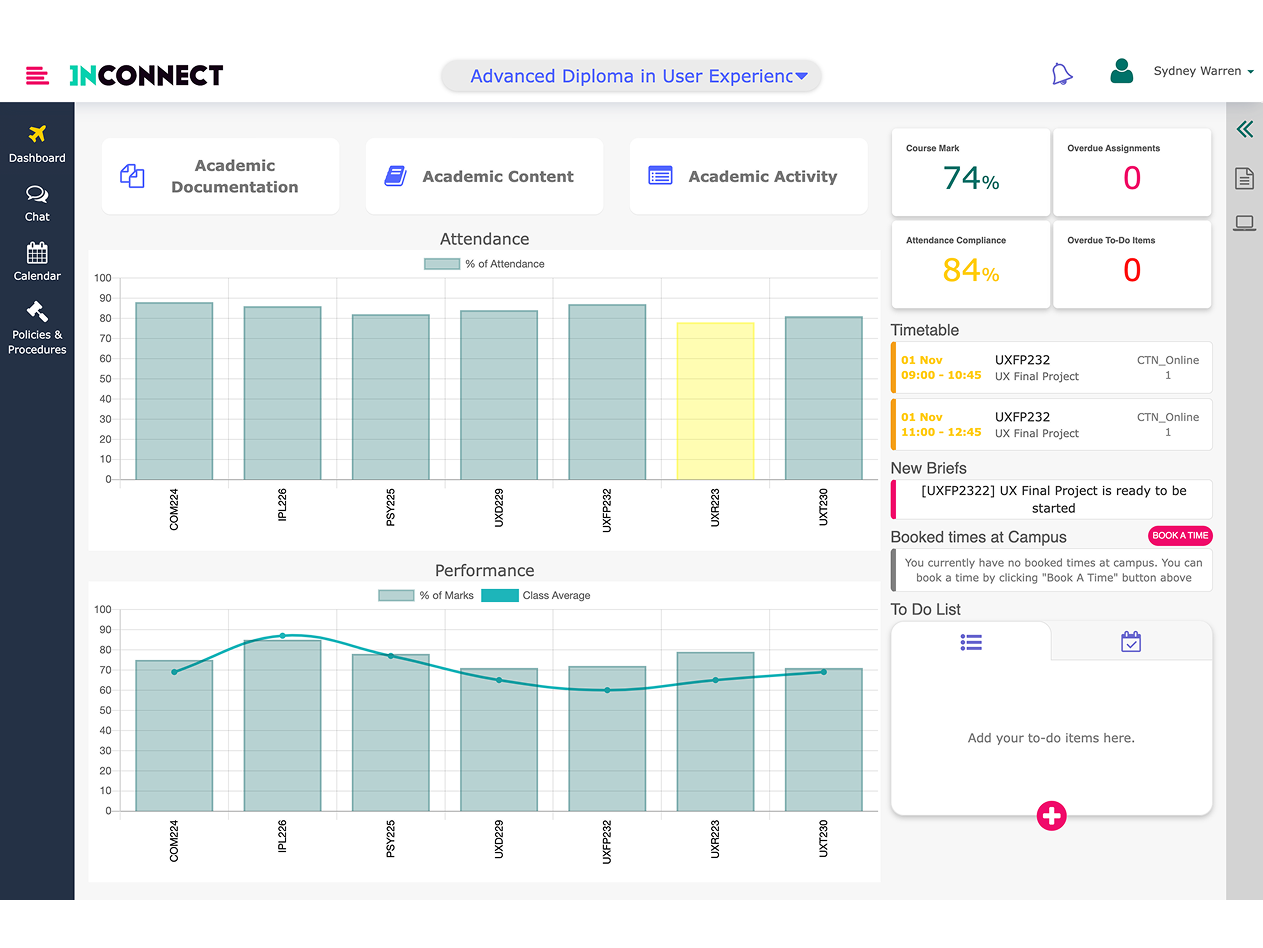
The InConnect portal lacked personality and direction. It left students feeling lost, frustrated and demotivated. The most important information was often the hardest or most labour-intensive to find. On campus, the atmosphere was light and vibrant, located in the heart of Cape Town’s art district. I wanted the brand identity and UI to reflect the personality of the Inscape brand, while ensuring that the portal was a useful tool to make students feel empowered and in control of their studies.
Improved dashboard experience
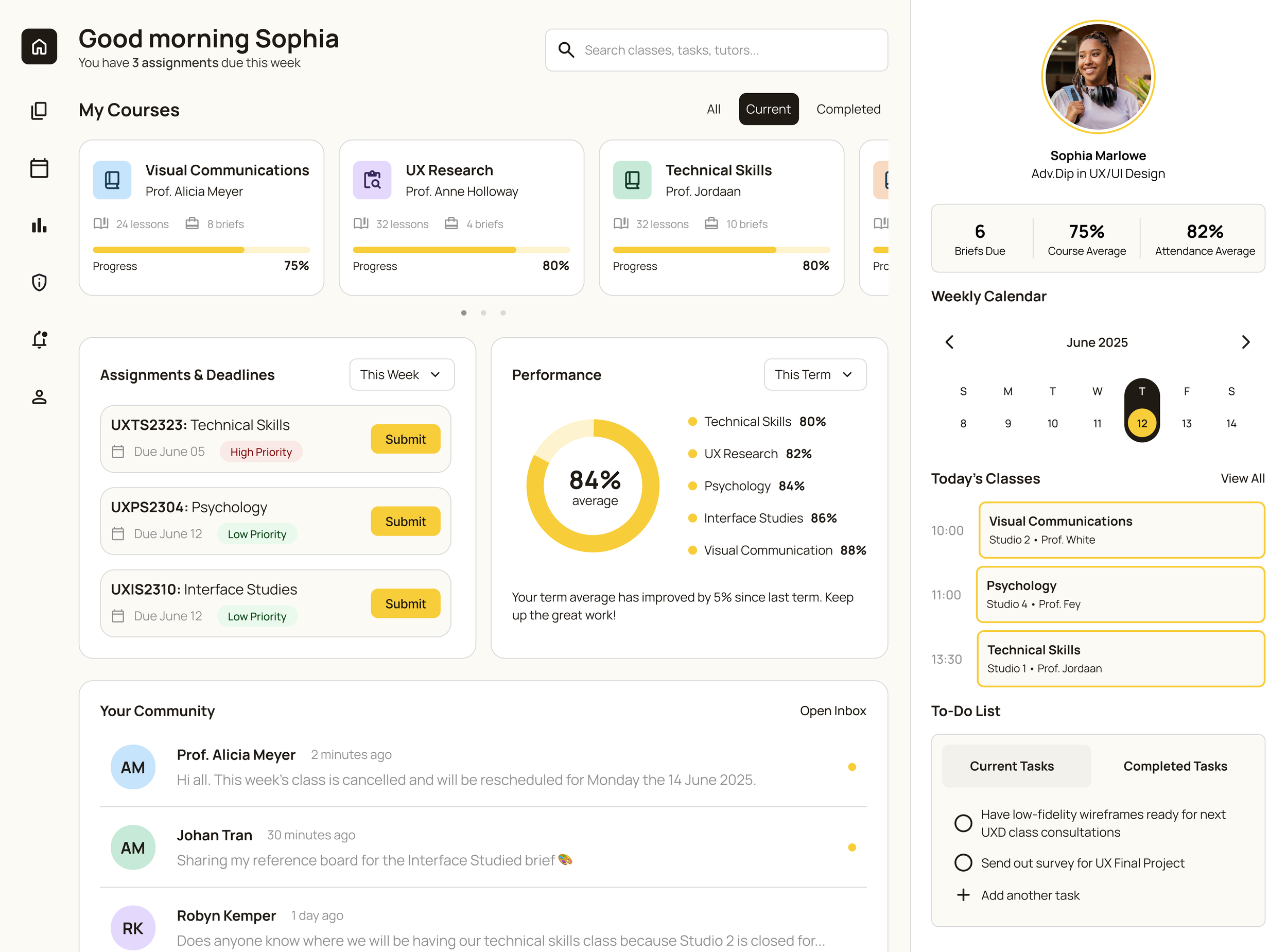
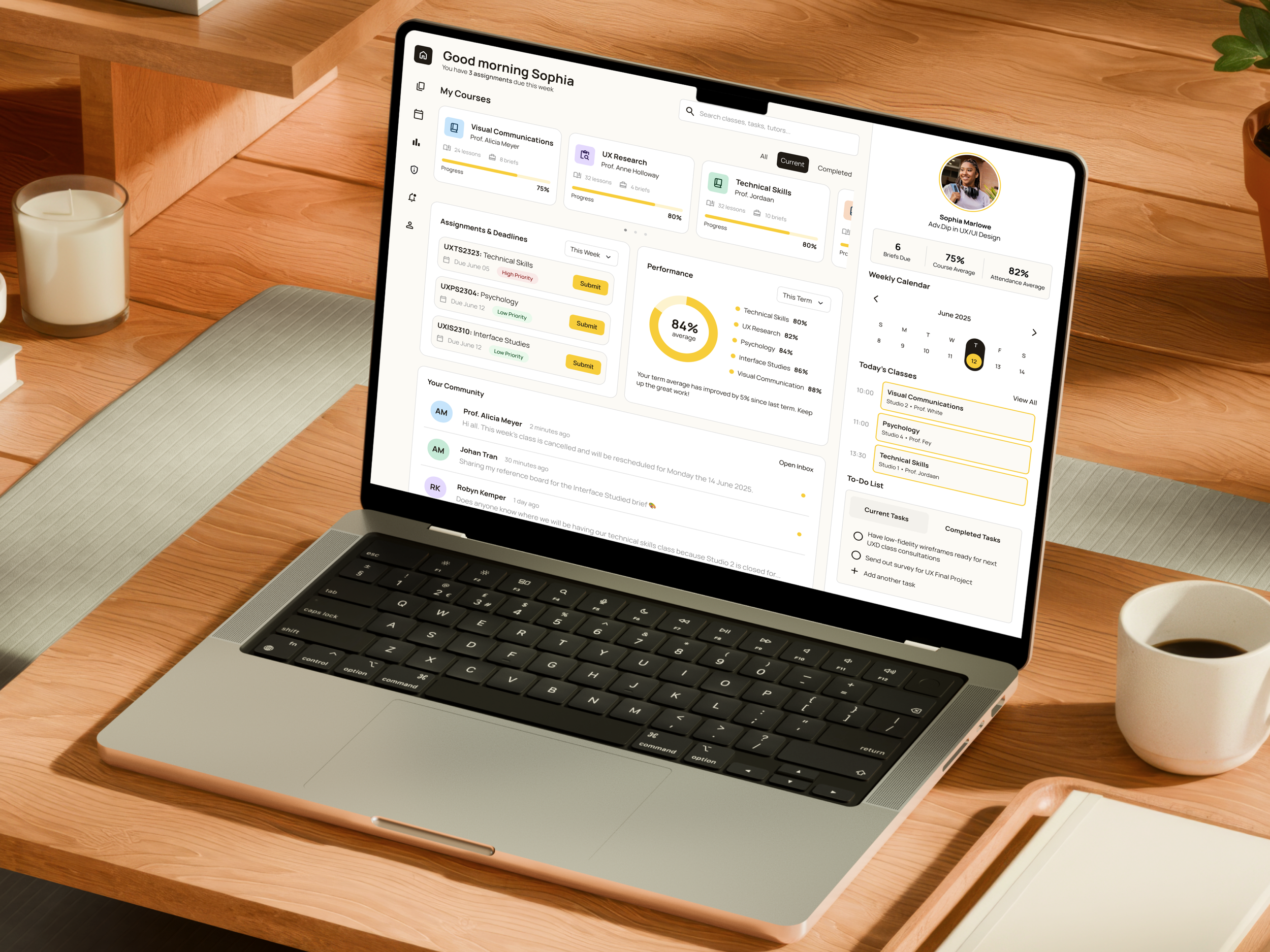
The dashboard provides students with all the important information that they might need at a surface level. No more long click-throughs and struggling to navigate to find basic information. They have control over filtering and more in-depth courseware information is presented up front. If they do need to look for something, search functionality was incorporated into the top navigation.
Improved messaging was also incorporated. Students can view upcoming briefs by order of priority based on due date and weighting. In addition, messaging summarising their performance gives them a high-level view without having to compare to other students’ performance.
Integration of a feedback form
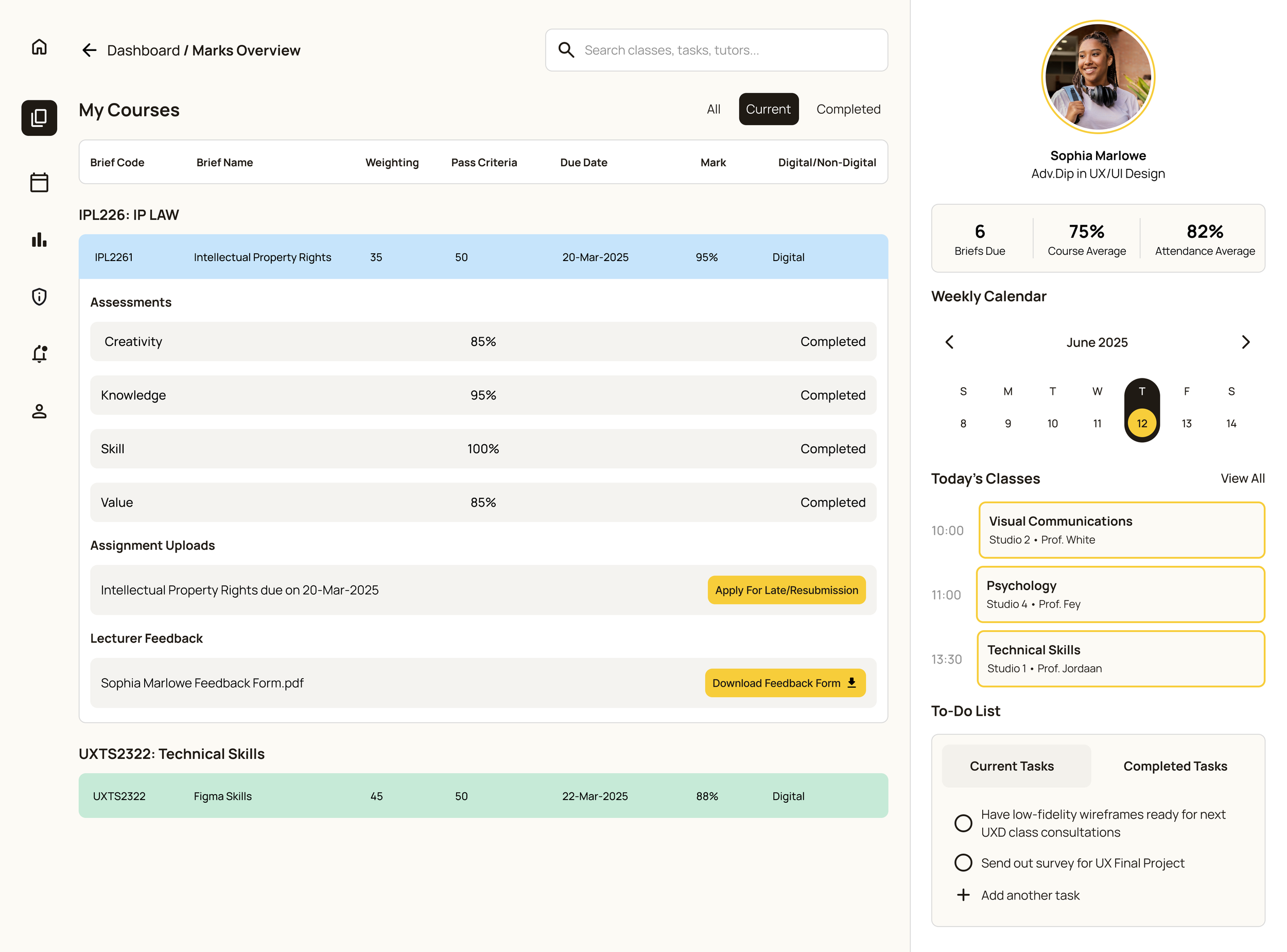
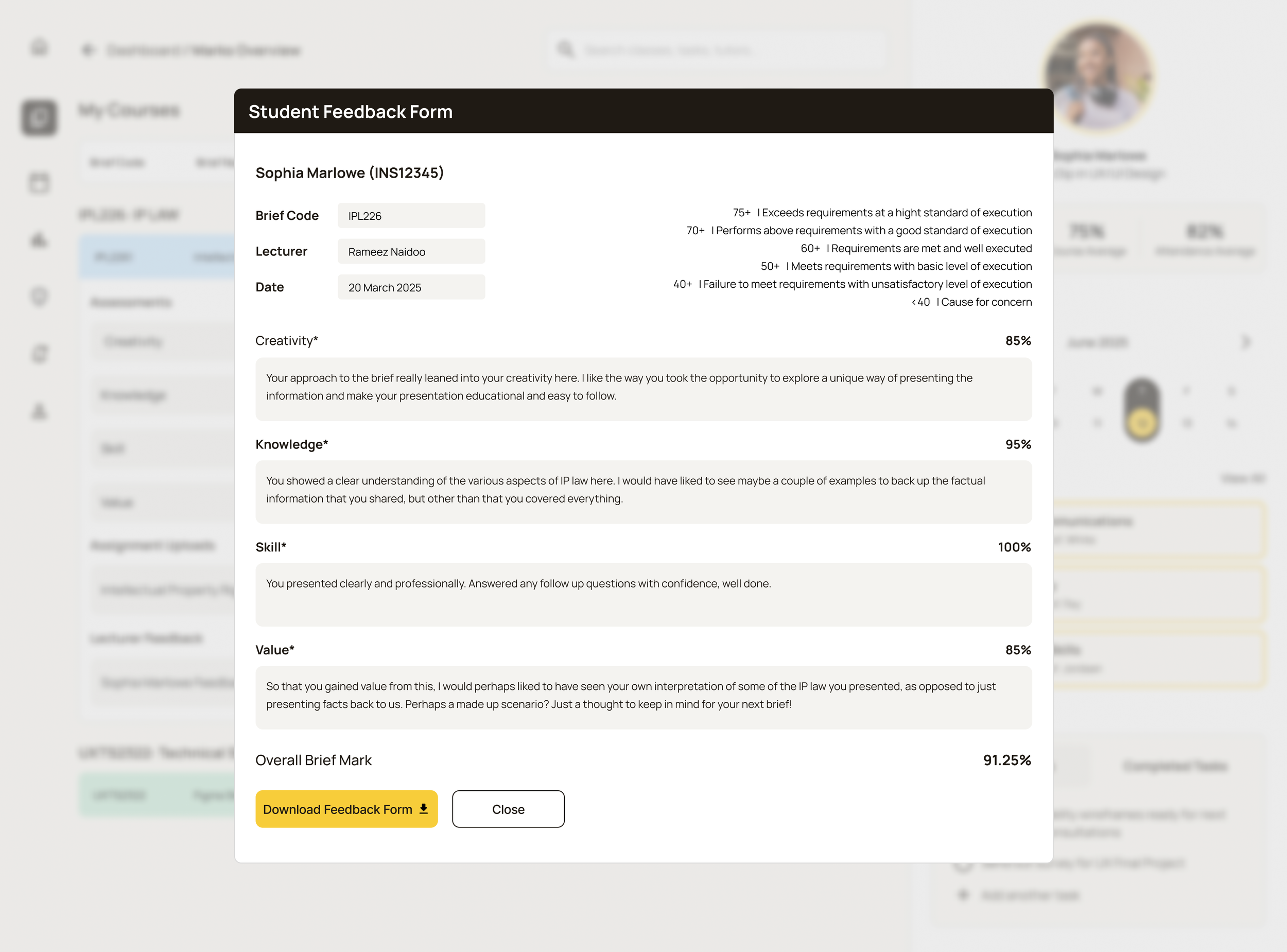
Students wanted to feel informed and empowered when it came to their assignments. Keeping track of marks, and having a separate PDF for feedback meant that they often received marks and would move on. Integrating a feedback from on the lecturer portal allowed students to easily access feedback alongside their marks to view or download.